Ultrasonic wire splicing troubleshooting starts with identifying what changed: the wire, preparation, loading, tooling or welding recipe. A weak joint does not automatically mean the machine needs more power. This checklist helps wire harness teams separate preparation defects from welding-process problems and collect useful evidence for an application review.
For the initial workflow, read our wire splicing applications and process setup guide. Use the steps below when a trial produces loose strands, damaged conductors or inconsistent test results.
1. Establish a reference before changing settings
Keep an accepted sample and its associated setup record, where available. Record the conductor material, coating, strand construction, wire combination, strip length, bundle orientation and tooling identification. Compare the current sample against that reference. A different wire supplier or strand construction deserves a process review even when the nominal cross-section is unchanged.
Photograph the conductors before welding and the joint from both sides afterward. Keep sample IDs with the corresponding machine settings and test results. This makes it possible to distinguish a defect introduced during stripping from damage created during welding or subsequent handling.
2. Check the visible symptom
| Observed symptom | Check first | Evidence to retain |
|---|---|---|
| Loose strands or incomplete consolidation | Wire placement, strand containment, strip consistency and tool fit; then review the approved recipe | Before/after photographs, bundle arrangement and joint test results |
| Broken strands or excessive flash | Pre-existing strip damage, joint deformation and tooling condition | Unwelded sample, damaged joint and location of strand breaks |
| Joint dimensions vary between samples | Wire count, loading position, cable support, fixture condition and preparation variation | Joint dimensions, preparation measurements and sample sequence |
| Insulation is marked or damaged | Strip length, insulation clearance, positioning and the stage at which damage appears | Photographs before loading, after welding and after unloading |
| Pull-test results fluctuate | Test fixture, pull direction, wire being tested, gripping method and sample consistency | Individual results, test method and failure location |
Several causes can produce a similar appearance. Use the symptom to choose the next check, then verify that check with representative samples.
3. Separate wire preparation from weld development
Inspect stripped conductors for nicks, missing strands, contamination and uneven strip lengths. Confirm that every wire specified in the joint drawing is present. Check insulation clearance and whether the bundle stays in the intended position during loading. Support stiff or heavy cables so that handling does not move the splice.
If an unwelded sample already has broken strands, investigate stripping before changing weld parameters. If strand displacement appears during loading, review containment and fixture access. Follow the equipment manual for cleaning, inspection and maintenance; use the prescribed isolation procedure before accessing tooling.
4. Review tooling and settings systematically
Confirm the tool set matches the intended joint geometry. Inspect contact surfaces and alignment according to the machine supplier’s instructions. Do not grind, modify or replace a welding tool based only on a photograph of a defective splice.
After preparation and positioning are consistent, review the settings that the supplied controller actually supports. Establish a documented baseline, vary one factor at a time during controlled trials, and retain samples from each condition. Record available cycle readings without assuming that all three models provide the same monitoring functions.
Emerson’s Branson UltraSplice manual discusses loose strands, broken strands and flash when developing wire splices. It supports checking the observed joint rather than treating every defect as insufficient energy. Its numerical adjustment instructions belong to that equipment and should not be copied into an RSM-UWM recipe.
5. Use the correct product and video reference
For capacity and published specification comparisons, use our 2042, 2060 and 2080 selection guide. A demonstration can help you prepare questions about loading and cable access; it does not validate your wire combination or provide an approved recipe.
RSM-UWM-2042
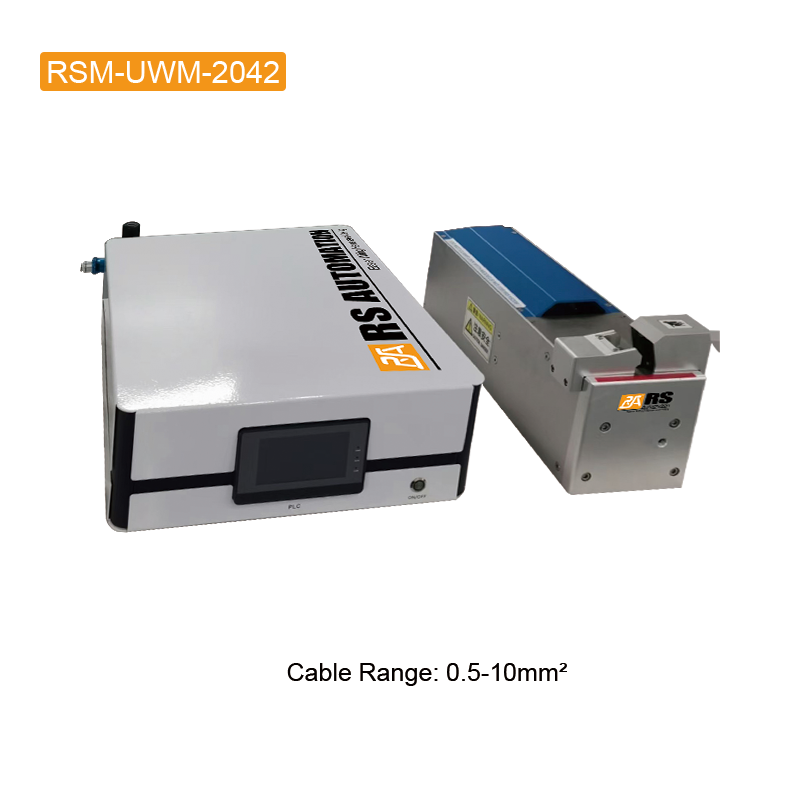
Consult the RSM-UWM-2042 product details when documenting the equipment used. Watch the 2042 demonstration video.
RSM-UWM-2060
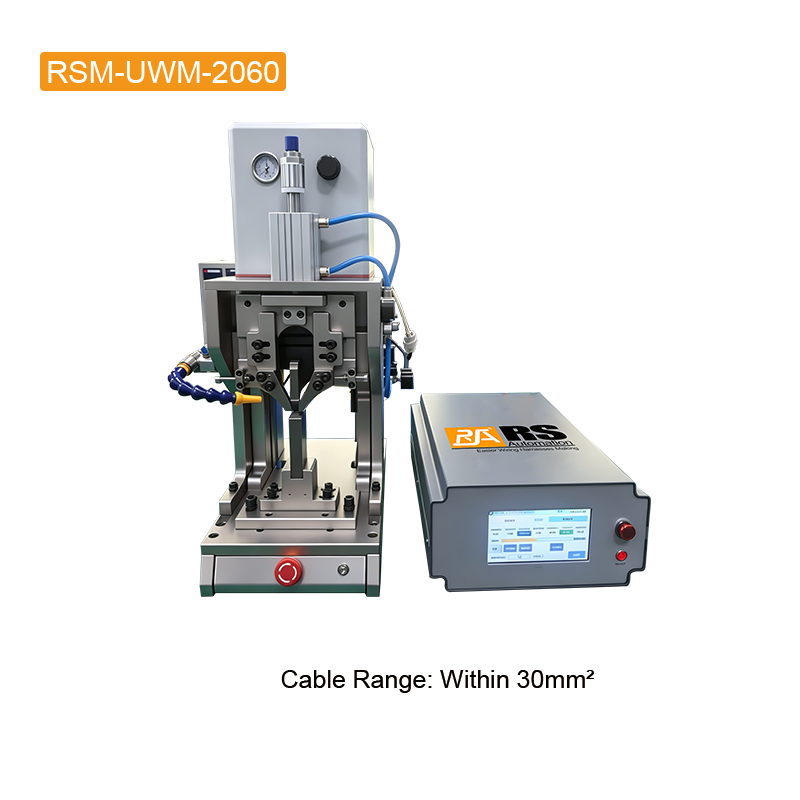
Use the RSM-UWM-2060 machine information for your application review. Watch the 2060 demonstration video.
RSM-UWM-2080
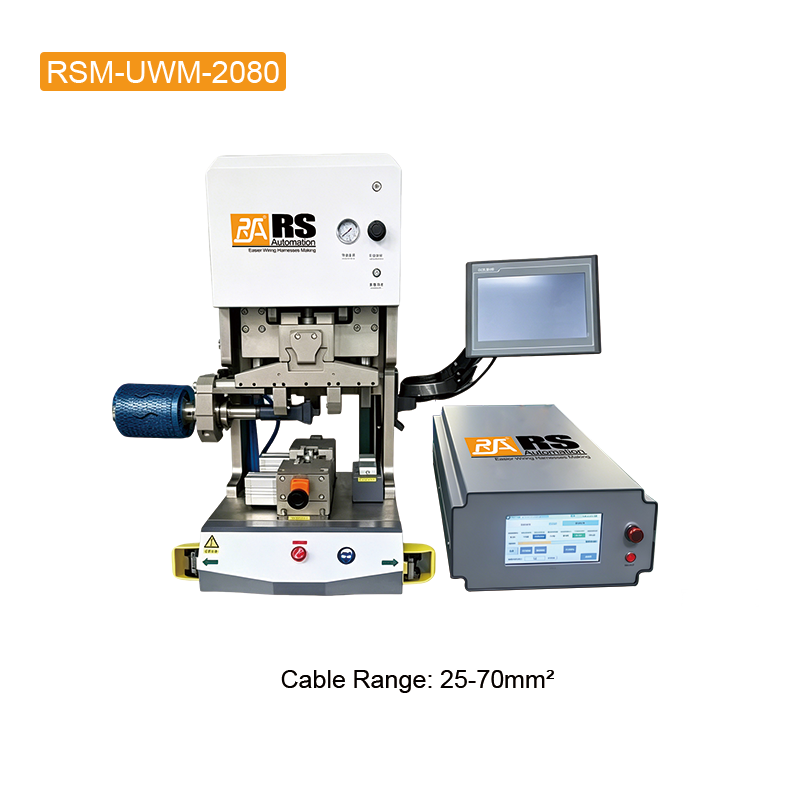
Review the RSM-UWM-2080 equipment page alongside the actual joint drawing. Watch the 2080 demonstration video.
6. Verify the test method before accepting the splice
A visually tidy splice still requires the agreed mechanical and electrical checks. For pull testing, document which wire is loaded, the gripping arrangement, pull direction and failure location. Keep the method consistent when comparing trials. A test-fixture change can make results difficult to compare.
The Branson GMX-W1 manual emphasizes test fixturing and customer-defined acceptance values. Apply the requirements for your own assembly: do not choose a universal pull-force threshold from machine power or copy acceptance limits from an unrelated wire combination.
7. Keep a troubleshooting trial record
- Sample ID, date, operator and machine/tool identification.
- Wire material, coating, sizes, strand construction, wire count and lot.
- Strip length, joint drawing revision and loading arrangement.
- Baseline settings, the single change tested and available cycle readings.
- Joint photographs, dimensions, individual test results and failure location.
- Decision: retain the baseline, repeat the trial or request supplier review.
When the setup is accepted, document the preparation and tooling checks needed to repeat it. Review the process after changes to wire construction, material, tooling or joint design.
Request a wire splicing application review
Send your joint drawing, wire combination, defect photographs, trial record and acceptance requirements through the RS Automation contact page. Include the machine model and whether the issue appeared after a material, tool or setup change. These details help define the next sample evaluation.
Technical references
General process-development references: Branson UltraSplice 40 instructions and Branson GMX-W1 instructions. These references describe Branson equipment; RSM-UWM operating instructions and approved application trials govern the settings used on RS Automation machines.